
Disclosure: As an Amazon Associate, I earn from qualifying purchases. This means when you purchase through links on this page, I may earn a small commission at no extra cost to you.
Launch X431 PRO3 V+ Elite Review 2026
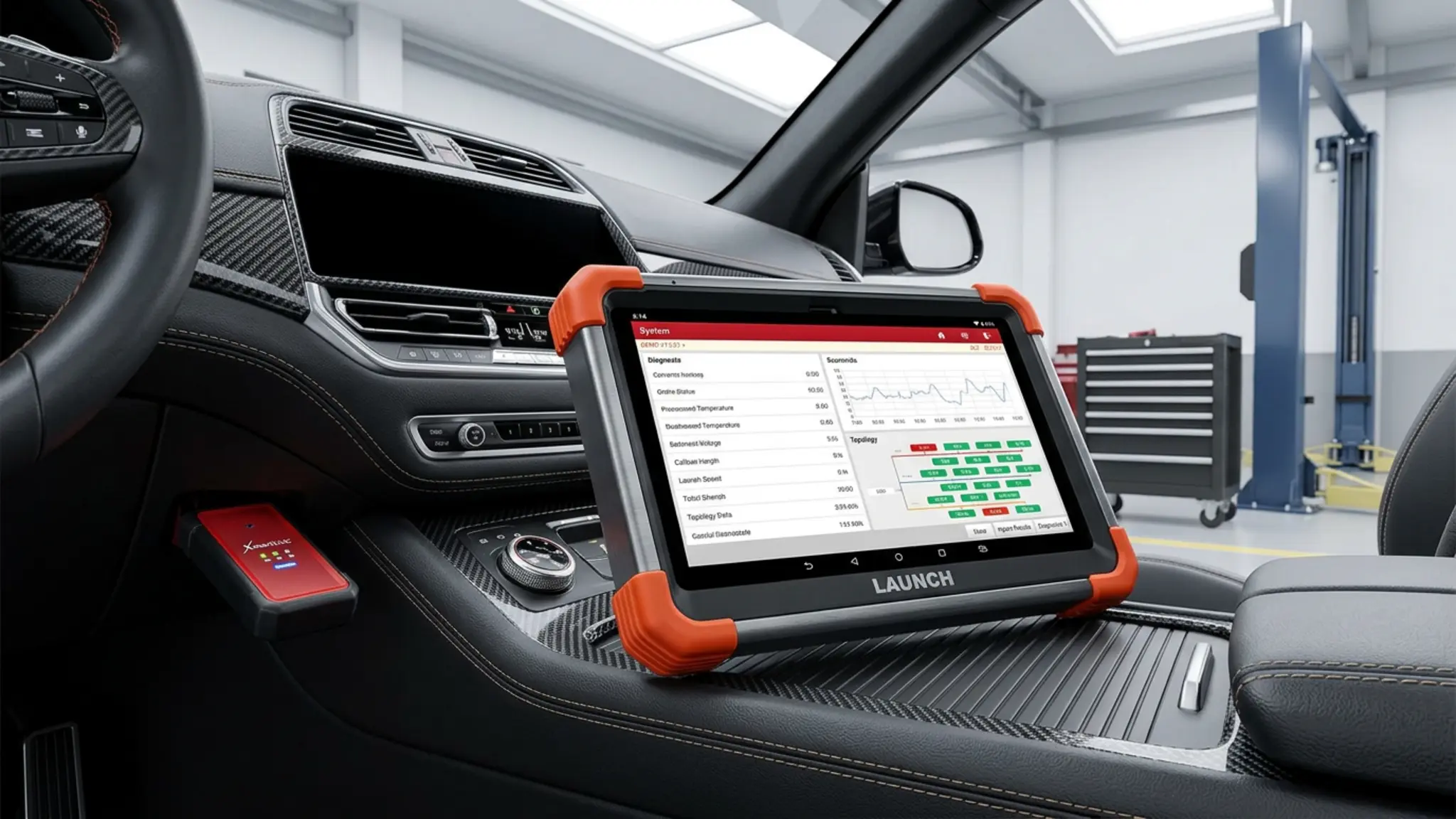
The Launch X431 PRO3 V+ Elite represents a major investment for professional technicians requiring deep diagnostic capabilities across passenger cars, commercial vehicles, and heavy-duty trucks. The listed specifications indicate this 10.1-inch tablet combines advanced topology mapping, over 60 service resets, and bidirectional active testing into a single Android 10.0 platform. By integrating the SmartLink C V2.0 VCI with J2534 pass-through support, it allows shops to perform OEM-level ECU programming when paired with a PC and manufacturer software. This 2026 review examines the tool’s core features, realistic limitations, and overall value for high-volume repair environments.
Table of Contents
Key Features
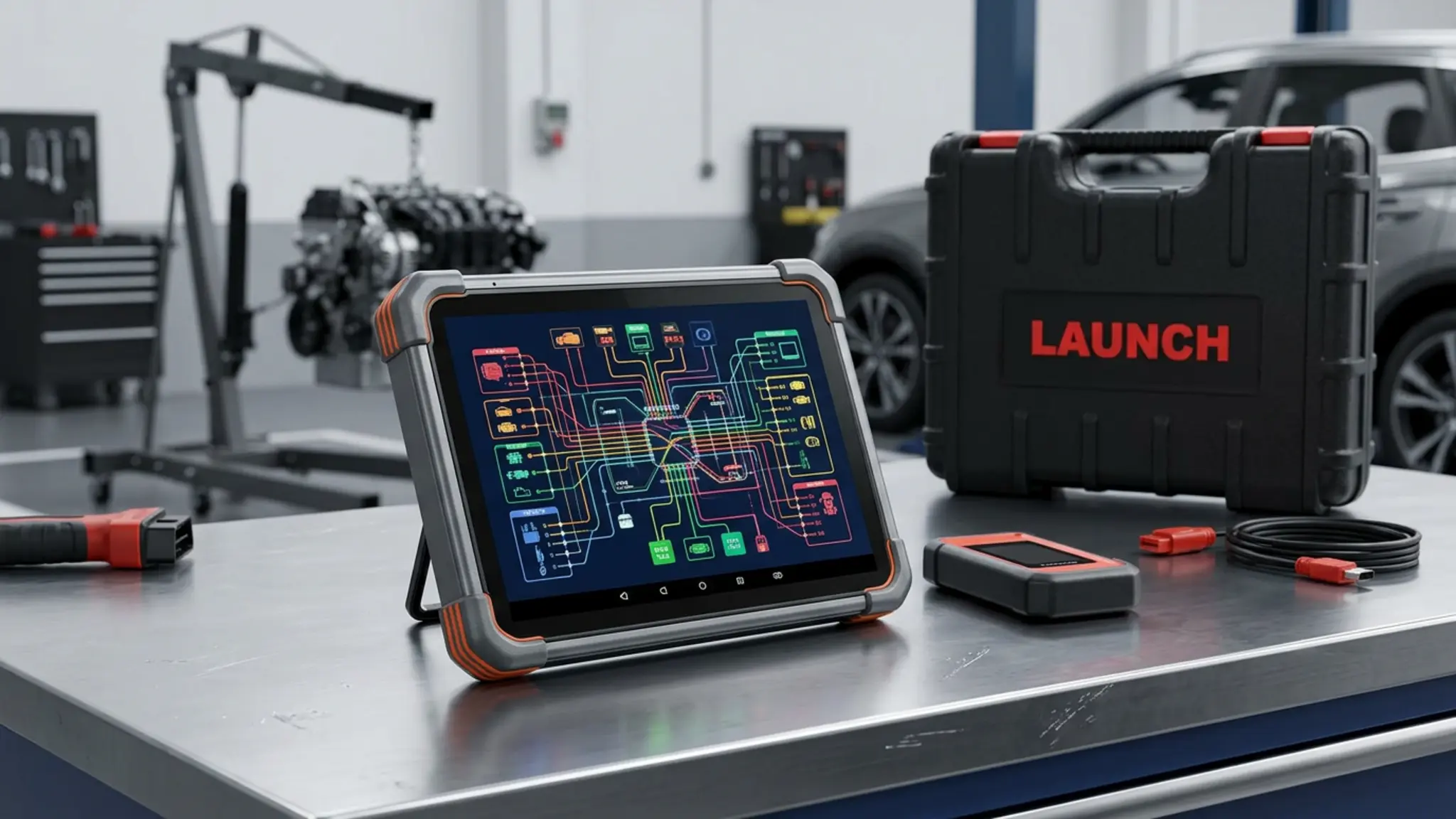
The Launch X431 PRO3 V+ Elite is built around a 10.1-inch Gorilla Glass touchscreen with a 1280 by 800 resolution. The manufacturer lists the internal hardware as featuring a 2.0 GHz quad-core processor, 4GB of RAM, and 64GB of onboard storage running on Android 10.0. A 6300mAh battery powers the unit, while dual-band 2.4/5GHz Wi-Fi ensures stable connectivity for updates and online coding tasks. The included SmartLink C V2.0 VCI supports modern communication protocols, including CAN FD, DoIP, and D-PDU.
When utilizing bidirectional active tests to command actuators or performing ABS brake bleeding, always observe proper shop clearances and follow the specific safety procedures outlined in the manufacturer service manual.
| Screen Size | 10.1 inches (Gorilla Glass, 1280×800) |
| Operating System | Android 10.0 |
| Processor / Memory | 2.0 GHz Quad-Core / 4GB RAM, 64GB Storage |
| Battery Capacity | 6300mAh |
| Supported Protocols | J2534, CAN FD, DoIP, D-PDU |
| Service Functions | 60+ (Oil, ABS Bleed, EPB, Injector Coding, etc.) |
| Updates / Warranty | 2 Years Free / 5-Year Warranty |
Setup, Compatibility and Ownership
Setting up this diagnostic scanner requires connecting the tablet to a Wi-Fi network to register the device and download the initial vehicle software packages. The manufacturer indicates that the tool supports over 200 automotive brands, and it includes FCA AutoAuth capabilities for bypassing the secure gateway on 2018 and newer Chrysler, Dodge, and Fiat vehicles. Two years of free software updates are included, after which a subscription is required to maintain access to the latest vehicle data.
Buyers should note that while the hardware supports heavy-duty truck modules, the specific HD diagnostic software must be purchased separately based on the vehicle model. Utilizing the J2534 pass-through programming feature requires connecting the SmartLink C VCI to a separate Windows PC loaded with the appropriate OEM diagnostic software subscriptions. The unit features a Type-A USB port for expanding capabilities with optional accessories like oscilloscopes or sensor testers.
How It Compares
Choosing the right diagnostic tool depends heavily on a shop’s daily volume and specific programming needs. When compared to the smaller, more budget-friendly options detailed in our Launch X431 PROS Elite review, the PRO3 V+ Elite offers a significantly larger 10.1-inch display and the advanced SmartLink C VCI for J2534 support. Buyers seeking a mid-range tablet without the heavy-duty truck module configuration might consider the alternatives discussed in our Launch X431 CRP919XBT review.
Conversely, shops that only need pass-through capabilities without a dedicated tablet might prefer to look at dedicated J2534 pass-thru devices to pair with their existing laptops. The PRO3 V+ Elite bridges the gap by offering both a standalone bidirectional tablet and a PC-compatible J2534 interface in one package.
Who Should Buy It?
The Launch X431 PRO3 V+ Elite is suited for professional automotive technicians, high-volume independent repair shops, and advanced diagnosticians. The listed specifications indicate it is ideal for users who need comprehensive coverage across passenger cars, commercial vehicles, and new energy vehicles. Shops that plan to perform OEM-level ECU programming using factory software will benefit from the included SmartLink C J2534 interface.
Conversely, DIY mechanics or entry-level technicians should likely skip this model due to its professional-grade price point and complex feature set. Additionally, buyers who strictly service heavy-duty trucks must be aware that the HD software requires a separate purchase, adding to the initial cost.
Frequently Asked Questions
Does this scanner support heavy-duty trucks out of the box?
The hardware is configured to support heavy-duty truck modules via the J2534/D-PDU protocols. However, the manufacturer notes that the specific HD diagnostic software must be purchased separately by vehicle model. Buyers should confirm current pricing for the HD software on the retailer page.
What is required to use the J2534 programming feature?
The included SmartLink C V2.0 VCI functions as a J2534 pass-through device. To program ECUs, the listed specifications indicate you must connect the VCI to a PC pre-installed with the required OEM diagnostic software. You will also need active subscriptions to the respective manufacturer’s programming service.
Does the tablet feature topology mapping?
Yes, the tool leverages dynamic visual topology mapping. This feature displays a color-coded, full-system overview of the vehicle’s communication network to help pinpoint active diagnostic trouble codes.
How long are the software updates free?
The scanner comes with two years of free software updates from the date of registration. After this period, a paid subscription is required to continue receiving new vehicle coverage and feature enhancements.
The Launch X431 PRO3 V+ Elite stands out as a highly capable diagnostic platform for the 2026 market, combining a robust 10.1-inch tablet with the versatile SmartLink C J2534 interface. By integrating CAN FD, DoIP, and bidirectional controls with over 60 service resets, it provides the deep system access required by professional technicians. While the separate cost for heavy-duty truck software is a realistic limitation to consider, the overall package offers substantial value for shops needing both standalone diagnostics and PC-based OEM programming.